
Tap to Pay
Accept payments with Tap to Pay
Turn your smartphone into a payment terminal and collect payments directly from the Holidoit Business app.
Check your smartphone requirementsThis feature requires a device compatible with Tap to Pay.
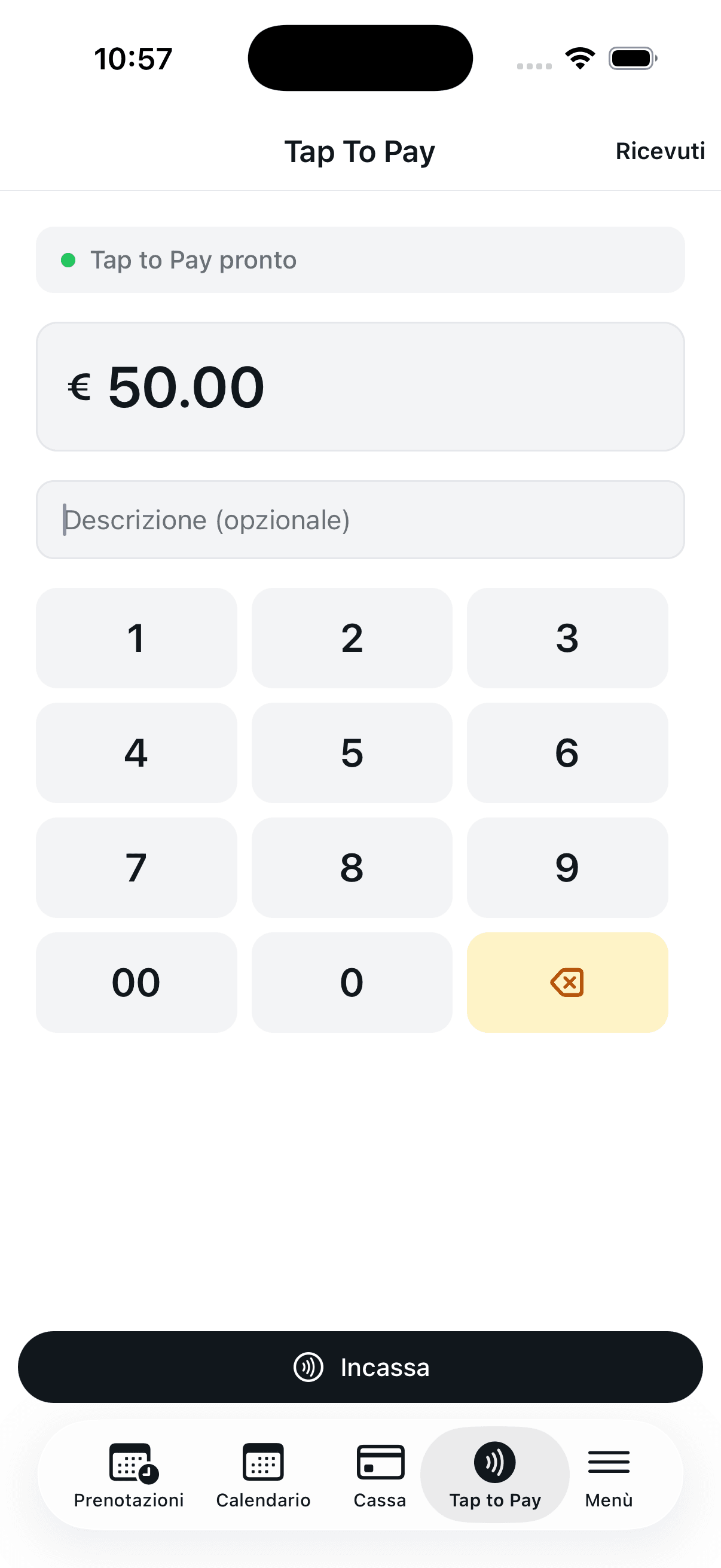
Example interface in Italian
1 of 4
Your smartphone becomes a payment terminal
Accept contactless payments directly on your device, without an additional payment terminal.
What is Tap to Pay?
Tap to Pay lets you accept contactless payments directly on your smartphone. Customers can pay by holding a contactless card or their phone near yours, without an additional payment terminal.
Why use Tap to Pay?
Accept contactless payments on site without an additional payment terminal.
Collect payment directly from the booking with a quick, simple process.
Track received payments and keep your takings organized.
Device requirements
iPhone
- iPhone XS or later
- The latest version of iOS
- Built-in NFC
- On-screen PIN entry requires iOS 16.4 or later
Android
- Android 13 or later
- Built-in, working NFC
- Google Mobile Services + Google Play Store